 Swipe Gallery
Swipe to clean
A deck of your photos, one at a time. Left bins it, right keeps it. Nothing is deleted until you tap the bin button yourself.
Your camera roll is 40 GB of screenshots, burst shots and videos you forgot you filmed. Swipe left to bin, right to keep. That is the whole app.
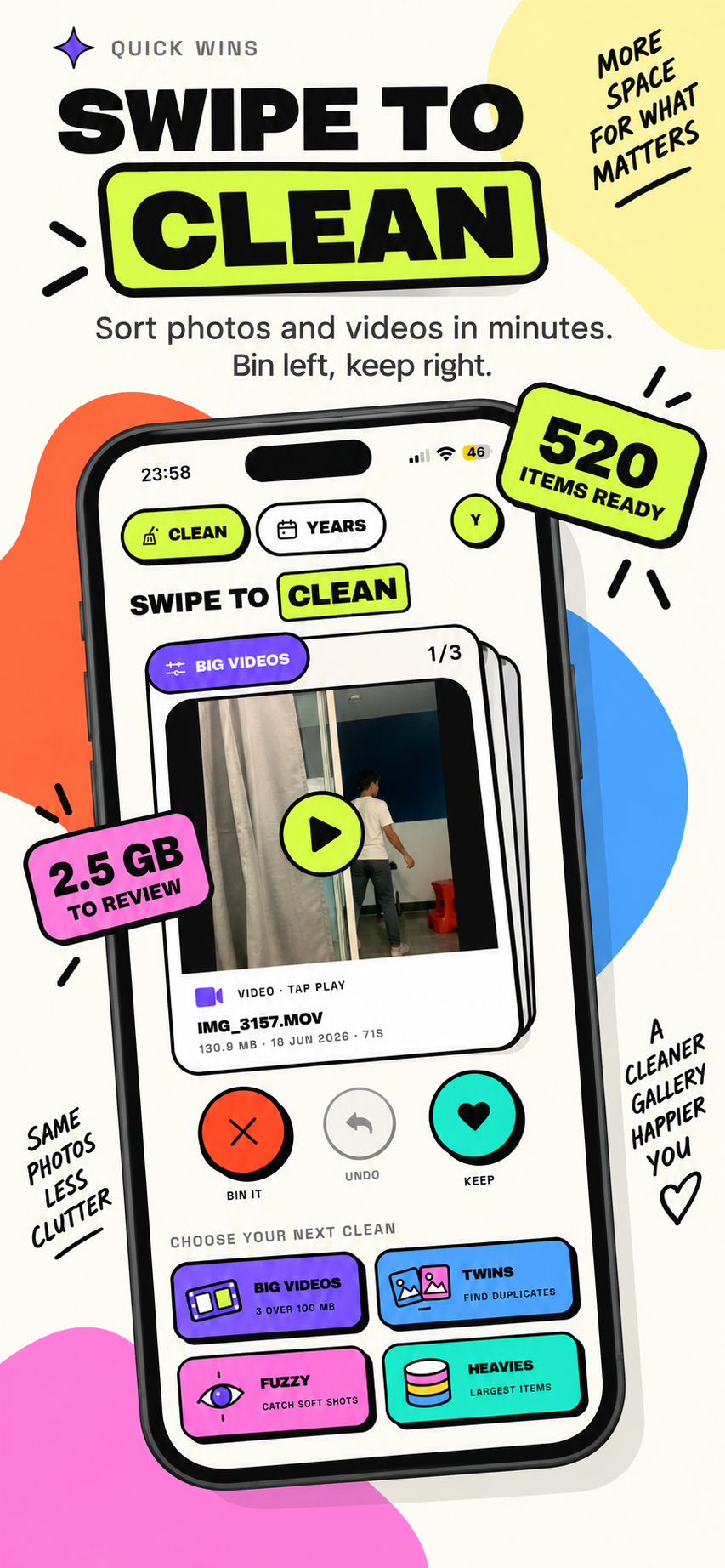
A deck of your photos, one at a time. Left bins it, right keeps it. Nothing is deleted until you tap the bin button yourself.
Exact copies found by file size and a content hash, not by guessing from filenames. The oldest is kept as the original.
Measures the sharpness of every photo and surfaces the out-of-focus ones, with three sensitivity settings.
The heavyweights, ranked. Long videos and huge panoramas are usually where most of the gigabytes are hiding.
Everything grouped by the year it was taken, with a size for each one. A fast way to clear out an old holiday.
Clean a little each day and keep the run going. Counts how much you have freed, all stored on your phone.
There is no upload, no cloud, no account and no analytics. Every scan — sizes, duplicates, sharpness — runs on the device itself. Deleting goes through Apple's own confirmation, so removed items land in Recently Deleted where you have 30 days to change your mind.
The app needs to read your library to measure it. Choose full access, or hand it a selection — both work.
It sizes every photo and video and groups them by year. Duplicate and blur scans are heavier, so they run when you ask for them.
Work through a deck at your own pace. Nothing is removed until you confirm, and iOS asks one more time before it goes.